
Common Google Ads Mistakes Beginners Make in Their First Campaign
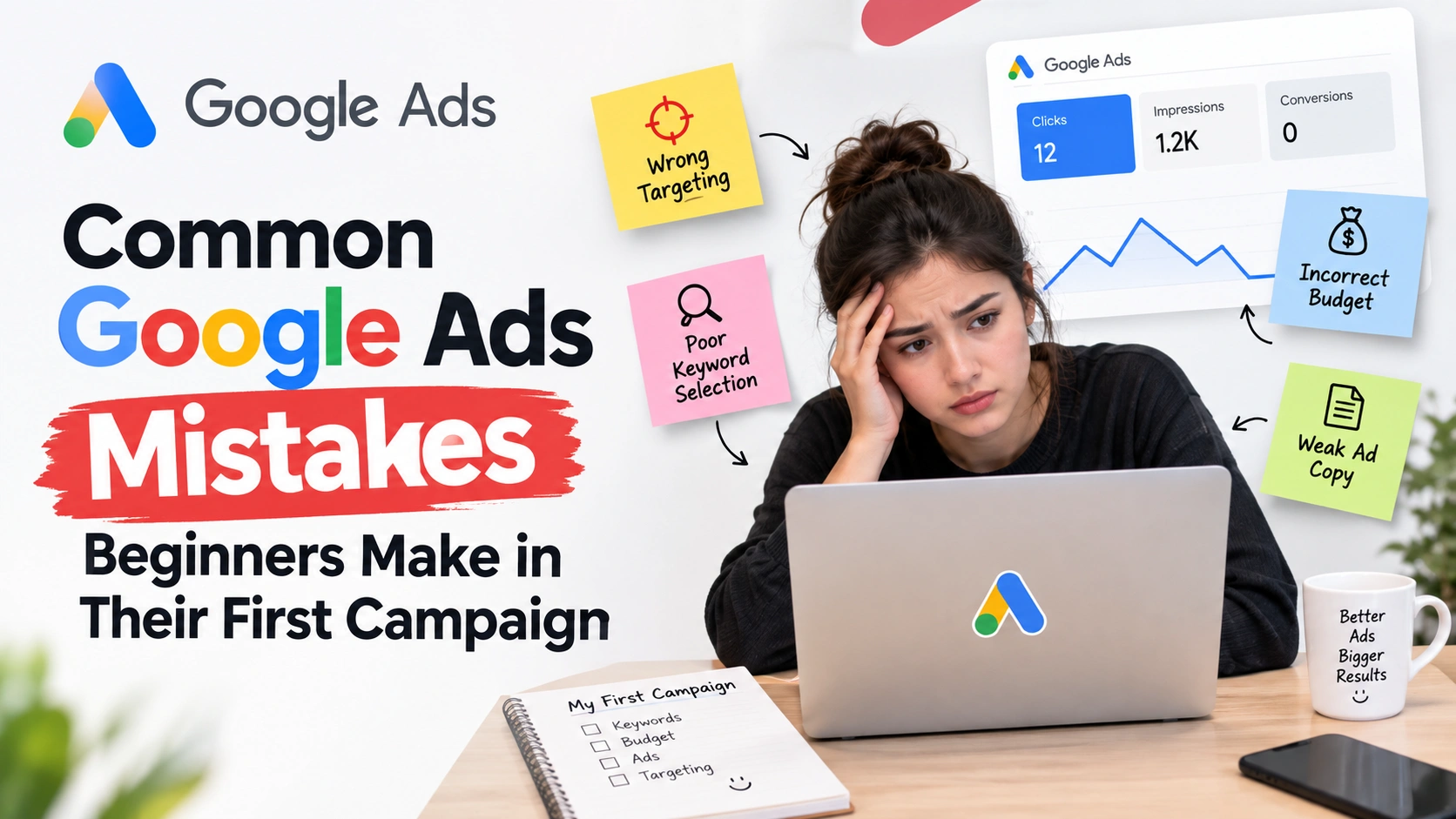
Someone sets up their first Google Ads campaign on a Friday afternoon. They pick a handful of keywords that sound right, write an ad in ten minutes, and set a daily budget they feel comfortable with. By the following week, the budget is spent, the dashboard shows clicks and impressions, but the phone hasn't rung, and the enquiry form is empty.
This is common, and it rarely means the platform doesn't work. Usually, the real problem sits somewhere between campaign structure, keyword selection, targeting, ad relevance, landing page experience, and conversion tracking.
This article covers the Google Ads mistakes beginners make in their first campaign, why they happen, and what to do instead. Whether you're planning your first campaign, already running one that isn't performing, or learning Google Ads as a skill, this will help you look at your account with a more experienced eye.
Once you understand these common mistakes, the best way to lock in the learning is to practise with a small real budget. Our step-by-step guide on running a ₹500 Google Ads campaign walks you through setting up, testing and reviewing a live campaign without risking large amounts of money.
Why Beginners Often Struggle With Their First Google Ads Campaign
Google Ads looks simple: pick keywords, write an ad, set a budget, launch. But performance depends on several moving parts working together: search intent, keyword relevance, ad relevance, landing page experience, conversion tracking, targeting, budget, bidding, and competition.A campaign can do well on one factor and still fail overall. It might get plenty of clicks because the keywords are broad and catchy, but if that traffic doesn't match what the business sells, those clicks rarely turn into leads or sales.
This is the real difference between getting clicks and getting valuable business results. Clicks mean people were interested enough to visit. Conversions mean that interest turned into something the business actually needed.
A beginner running a course-selling campaign might see healthy daily clicks. But if most visitors were searching for free information rather than a paid course, the budget disappears without producing enrollments.
15 Common Google Ads Mistakes Beginners Make
1. Starting Without a Clear Campaign Goal
Every campaign should start with one question: what business result are you trying to get? Leads, calls, purchases, sign-ups, and store visits all need different settings, bidding strategies, and sometimes different keywords.Beginners often skip this and jump straight into keyword research. Without a clear goal, it's hard to choose the right conversion action or judge whether the campaign is working.
A campaign built for enquiries needs a simple, low-friction form. One built for purchases needs a stronger product page and trust signals. Decide the one primary action you want before building anything else.
2. Choosing Keywords Without Understanding Search Intent
Not every keyword related to your topic is worth targeting. Search intent describes what a person actually wants when they type a query, usually informational, commercial, or transactional.Someone searching "what is digital marketing" wants to learn. Someone searching "digital marketing course in Mohali" is much closer to a decision.
Beginners often chase keywords with high search volume without checking what people want when they type them. Map each keyword to its stage in the buying journey, then match your ad and landing page to that intent.
3. Using Broad Keywords Too Aggressively
Google Ads offers broad, phrase, and exact match, each controlling how closely a search must match your keyword. Broad match isn't automatically bad it can surface new relevant searches, especially with strong conversion tracking and close monitoring.The problem is beginners often use it without those controls. A tutoring service on broad match for "tutoring" might show ads for "tutoring jobs" or "how to become a tutor."
Until you have enough conversion data and are actively reviewing search terms, phrase or exact match usually gives more predictable results.
4. Ignoring Negative Keywords
A negative keyword tells Google Ads which searches should never trigger your ad a simple way to stop paying for clicks that were never going to convert.Common examples include "free," "jobs," "PDF," "meaning," or "definition," depending on what you sell. A paid course provider doesn't want to pay for someone searching for a free version of the same topic.
Negative keywords shouldn't be added blindly, though. Adding "free" could block a genuine search like "free consultation" if you offer one. Add negatives from real data, not guesswork.
5. Targeting Too Many Locations
Location targeting can be set at the country, state, city, or radius level, with exclusions available too. Beginners often default to an entire country, assuming wider reach means more business.But a service business operating only in Mohali and Chandigarh doesn't need national visibility it needs its budget concentrated where it can deliver the service.
Wider targeting spreads the same budget across more competition and more irrelevant searches. Start with the locations you can genuinely serve, then expand once you understand how it performs.
6. Writing Generic Ad Copy
An ad that could belong to almost any business in the industry rarely stands out. Phrases like "best services" or "quality guaranteed" don't tell the searcher anything specific.A weak headline might read "Digital Marketing Course – Enroll Now." A stronger version connects to the search and the benefit: "Digital Marketing Course in Mohali – Practical Training, Live Projects."
Good ad copy reflects the keyword, states a real benefit, and includes a clear CTA. Specificity usually outperforms enthusiasm.
7. Sending Every Click to the Homepage
When your ad sends someone to a general homepage instead of a specific page, they have to do extra work to find what they wanted. Many simply leave.Someone searching for a digital marketing course clicks an ad, lands on a homepage listing ten offerings, and can't quickly find pricing or course details.
A dedicated landing page matching the ad's message keeps the journey relevant from search to click to action, which usually improves conversion rate too.
8. Having a Slow or Poorly Designed Landing Page
Even a well-targeted ad can fail if the landing page doesn't work. Slow speed, poor mobile responsiveness, and confusing layouts push visitors away before they act.A good landing page has a clear headline matching the ad, a straightforward CTA, basic trust signals such as testimonials, and a form that's easy to use on a phone.
Since most Google Ads traffic comes through mobile devices, a page that looks fine on a laptop but is awkward on a phone can quietly cost a large share of conversions.
9. Not Setting Up Conversion Tracking Correctly
Clicks are not conversions. A click means someone visited your site; a conversion means they completed the action that matters a form, a call, a purchase, or a sign-up.Many beginners skip conversion tracking or set it up wrong, for example, tracking a "thank you" page that also loads on a simple refresh. This can make a campaign look more successful than it is, or hide leads that are genuinely coming in.
If your campaign shows clicks but you're unsure how many turned into calls, tracking is the first thing to check.
10. Choosing a Bidding Strategy Without Understanding the Goal
Google Ads offers several bidding approaches, from manual bidding to automated options like Maximise Clicks, Maximise Conversions, Target CPA, and Target ROAS. Each optimises for a different outcome.Maximise Clicks focuses on traffic within budget, which doesn't necessarily mean quality traffic. Maximise Conversions and Target CPA work toward specific actions but rely on accurate conversion data.
Beginners often pick whichever strategy sounds advanced rather than the one fitting their goal and budget. A new campaign with little history usually benefits from a simpler strategy until there's enough data for automation to learn from.
11. Setting the Budget Based Only on What Feels Cheap
A low daily budget feels safer, but "cheapest" isn't automatically smartest. What matters more is the relationship between CPC → clicks → conversion rate → cost per conversion.Google Ads costs vary by industry, competition, location, and ad quality, so there's no universal "correct" budget. A budget too small to generate a handful of clicks a day rarely produces enough data to learn from.
Instead of setting a budget purely on comfort, think about how many conversions you'd need to judge whether the campaign is working, and whether your budget can support that.
12. Not Checking the Search Terms Report
The keywords you add and the words people actually type into Google aren't always the same. The search terms report shows the real queries that triggered your ad.Reviewing it regularly reveals irrelevant searches, new keyword ideas, negative keyword opportunities, and high-intent searches worth bidding harder on.
Beginners often set up keywords once and never revisit this report. A campaign left unreviewed for a few weeks is likely wasting part of its budget on searches that were never going to convert.
13. Making Major Changes Too Frequently
It's common for beginners to change keywords, ads, budgets, bidding, and targeting all in the same week, usually out of impatience with early results.Google Ads needs some stability to generate meaningful data. If several things change at once and performance shifts, there's no way to know what caused it.
A more reliable approach: baseline, analyse, make one meaningful change, monitor, learn. This doesn't mean ignoring obvious problems; if conversion tracking is clearly broken, fix that immediately.
14. Focusing Only on CTR
Click-through rate tells you how often people click your ad relative to how often it's shown, but says nothing about what happens after the click.A campaign with a high CTR but low conversion rate is often attracting curiosity rather than genuine buyers. One with a lower CTR but strong conversion rate and better lead quality is usually the better performer, even if the dashboard number looks less impressive.
Judge performance by conversions, conversion rate, cost per conversion, and ROAS where relevant.
15. Treating Google Ads as "Set It and Forget It"
Launching a campaign is the beginning of the work, not the end. Search terms shift, competitors change their bidding, seasonal demand moves, and your own conversion data keeps building.Ongoing management means periodically reviewing search terms, keywords, negative keywords, ad performance, conversion data, locations, devices, and budget pacing. This doesn't mean daily changes; it means checking often enough to notice patterns and respond.
The goal is continuous, evidence-based improvement, not constant tinkering for its own sake.
Google Ads Campaign Launch Checklist for Beginners
Run through this before you launch, or before your next optimisation round:-
Campaign objective – Leads, calls, purchases, or sign-ups?
-
Audience and location – Matched to who you serve.
-
Keywords and match types – Tied to real search intent.
-
Negative keywords – An initial list, expanded from real data.
-
Ad copy – Reflects the keyword, a clear benefit, and a CTA.
-
Landing page – Matches the ad, loads fast, works on mobile.
-
Conversion tracking – Tested and firing before serious spend.
-
Budget and bidding – Enough for real data, matched to your goal.
How to Fix a Google Ads Campaign That Is Not Performing
When a campaign isn't delivering, the fix depends on where the problem sits. A strong campaign needs more than correct settings; it needs a clear process from goal to measurement. Use this high-converting performance marketing checklist to audit every stage of your campaign and catch problems before they waste more budget.Impressions but very few clicks – Check ad relevance, keyword-intent match, headline quality, and competition strength.
Clicks but no conversions – Check whether traffic intent matches your offer, whether the landing page is usable, and whether tracking works correctly.
Conversions but poor-quality leads – Review keywords and search terms for mismatched intent, reconsider location targeting, and check your messaging.
Costs increasing over time – Examine CPC trends, competition, conversion rate, and budget allocation.
Working through these in order usually finds the real problem faster than randomly changing settings.
Google Ads Mistakes Beginners Should Avoid in India
Many of the mistakes above show up in a specific way for small businesses and students in India. Targeting unnecessarily large geographic areas is common, especially when a business serving one city, such as Mohali or Chandigarh, defaults to national targeting and spreads its budget thin.Mixing local and national intent in the same campaign, without a clear reason, also makes results harder to read, as does ignoring local search behaviour, where searches often include a city or "near me."
Beyond targeting, the same core issues apply everywhere: chasing clicks over business outcomes, failing to qualify leads properly, and sending local searchers to pages that don't reflect their location or need.
How Beginners Can Improve Their First Google Ads Campaign
Improving a first campaign doesn't require a rebuild. A simple sequence works better than random changes:-
Define the actual business goal.
-
Understand your target audience.
-
Research searches with real, high intent.
-
Select keywords matching that intent, not just volume.
-
Build ads that reflect the keyword and offer.
-
Choose a landing page matching the ad's promise.
-
Test conversion tracking before scaling spend.
-
Monitor the search terms report regularly.
-
Review conversions and lead quality, not just clicks.
-
Optimise based on your own data, not assumptions.
Frequently Asked Questions About Google Ads Mistakes
What is the biggest Google Ads mistake beginners make?
Most beginner campaigns struggle from weak search-intent matching combined with missing or incorrect conversion tracking, not any single setting. Without accurate tracking, it's hard to know whether your changes are actually improving results.How much should a beginner spend on Google Ads?
There's no fixed number, since costs depend on industry, competition, and location. Set a budget large enough to generate a reasonable number of clicks and conversions within a few weeks, so you have real data to work with.Should beginners use broad match keywords?
Broad match can work well once conversion tracking is in place and search terms are reviewed actively. For a brand-new account with no data, phrase or exact match usually gives more predictable results while you learn what converts.Why am I getting Google Ads clicks but no leads?
This usually points to a mismatch between search intent and your offer, a landing page that isn't converting visitors, or conversion tracking that isn't recording actions correctly. Check tracking first, since it shapes how you read everything else.How long does it take for a Google Ads campaign to work?
Campaigns typically need a few weeks of consistent spend to generate enough clicks and conversions to judge performance reliably. Judging results too early often leads to changes that disrupt what could have worked.How often should I optimise Google Ads?
Weekly review is usually enough for a new campaign. Focus on checking search terms, conversions, and costs consistently, then make one meaningful change at a time, rather than adjusting settings daily.Is Google Ads suitable for small businesses in India?
Yes, particularly for businesses with a defined service area, since location targeting lets spend concentrate where customers actually are. Success still depends on the same fundamentals: intent-matched keywords, relevant ads, and accurate tracking.Can I run Google Ads without an agency?
Many small businesses and freelancers manage their own campaigns successfully, especially at a smaller budget. It requires understanding the fundamentals covered here and reviewing performance regularly rather than leaving a campaign untouched.Final Takeaway
A useful way to think about Google Ads is as a chain: search intent → keyword → ad → landing page → conversion → optimisation. Each link depends on the one before it. A well-written ad can't fix an irrelevant keyword, and a strong landing page can't fix broken conversion tracking.Most of the mistakes covered here come from treating one part of this chain in isolation, instead of checking whether the whole journey makes sense from the searcher's side.
If you want to learn how to plan, launch, and optimise Google Ads campaigns properly, alongside other practical digital marketing skills, Digital Study School offers a Digital Marketing Course in Chandigarh, where you learn in-demand skills.